Keep Your Secret Safe! Use DoYourData Super Eraser to Wipe Sensitive Data
After deleting sensitive files and empty the recycle bin, you may think it's safe enough. Unfortunately, the deleted files can be easily recovered with professional recovery tools. To keep your secret safe, it's better to use the data erasure tool DoYourData Super Eraser to permanently deleted and wipe the sensitive data.
 Updated by Shirly Chen on July 22, 2026
Quick Navigation:
- Why Standard File Deletion Leaves Your Secrets Exposed
- What Does Permanent Data Wiping Actually Mean?
- Introducing DoYourData Super Eraser: Privacy Shield
- When Should You Use DoYourData Super Eraser?
- FAQs about Using DoYourData Super Eraser
- Conclusion
In today's digital world, protecting your personal privacy and sensitive business information is more important than ever. Whether you are planning to sell your old computer, recycle a hard drive, or donate a USB flash drive, ensuring your private files are gone forever is a top priority. Many people assume that pressing 'Delete' or emptying the Recycle Bin is enough. However, standard deletion leaves your files vulnerable to recovery. To truly keep your secret safe! Use DoYourData Super Eraser to wipe sensitive data completely, ensuring your confidential records remain permanently unrecoverable.
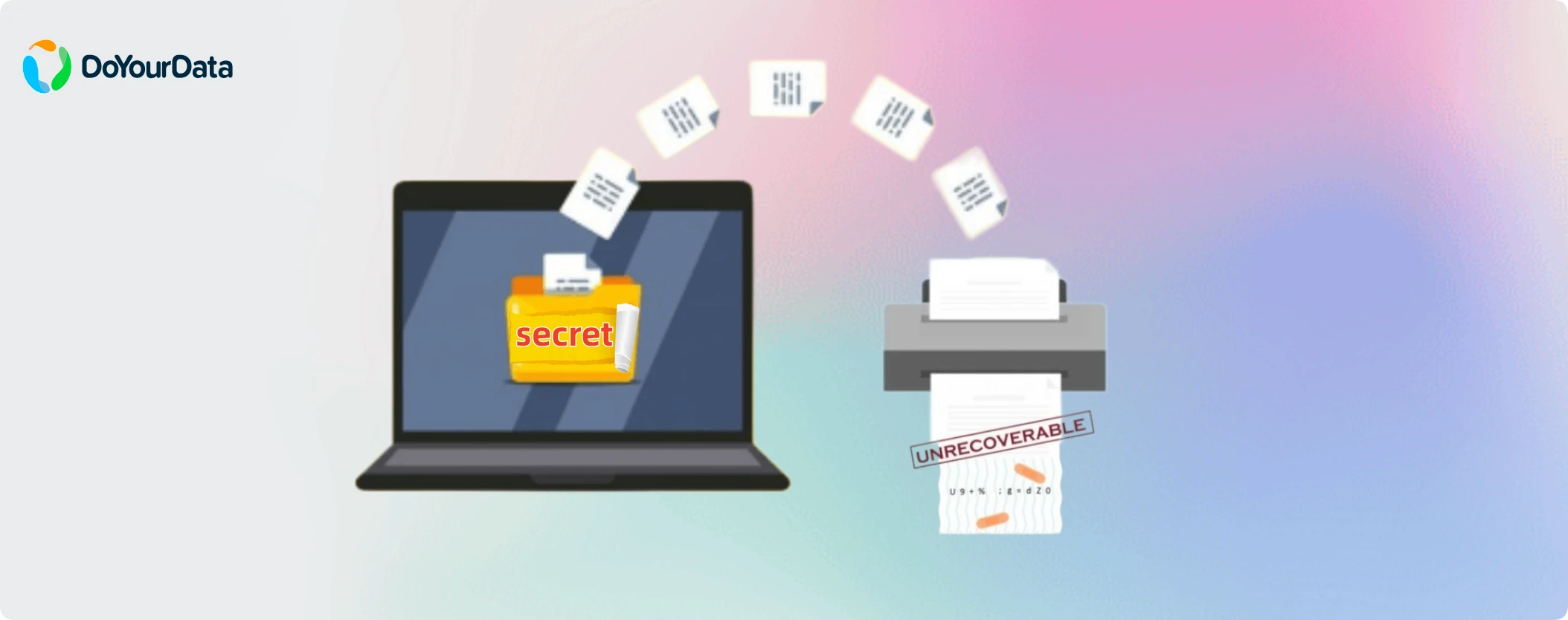
Why Standard File Deletion Leaves Your Secrets Exposed
When you delete a file on Windows or macOS, the operating system does not actually erase the binary content from your hard drive. Instead, it simply marks the space occupied by that file as 'available' for future writing. The actual contents—such as financial statements, tax documents, passwords, or personal photos—stay intact on the storage sectors until new data happens to overwrite them.
Anyone equipped with basic, free data recovery software can easily scan your drive and restore those 'deleted' files in minutes. This creates massive security risks, including identity theft, corporate espionage, and embarrassing personal leaks. Simply formatting a drive or restoring factory settings is not enough either, as advanced recovery utilities can frequently reconstruct formatted partitions.
What Does Permanent Data Wiping Actually Mean?
Permanent data wiping, also known as data destruction or secure file shredding, goes far beyond standard deletion. Instead of just removing the file index, professional data wiping software overwrites the underlying binary storage sectors with zero-byte patterns, random numbers, or military-grade shredding standards.
Once data is overwritten using certified data destruction standards, no data recovery software, specialized laboratory equipment, or forensic expert can reconstruct the original files. This process destroys the digital footprint forever.
Introducing DoYourData Super Eraser: Privacy Shield
DoYourData Super Eraser is a powerful, reliable, and user-friendly data wiping software designed for Windows and Mac. It provides government- and military-grade data destruction technology wrapped in a clean, intuitive interface that anyone can use without technical skills.
DoYourData Super Eraser
- Wipe data permanently and make recovery impossible.
- Support multiple international data wiping algorithms.
- Easy to use with intuitive and simple interface.
Key security features include:
- Multiple Overwrite Standards: Supports HMG IS5, DoD 5220.22-M, US Army AR380-19, and Peter Gutmann 35-pass sanitization protocols.
- Multi-Device Support: Securely wipes HDDs, SSDs, USB drives, memory cards, digital cameras, external hard drives, and RAID arrays.
- Safe and Hardware-Friendly: Overwrites targeted space without damaging your physical storage drive or reducing overall hardware lifespan.
- Clean and Simple Interface: Offers step-by-step guidance so you can erase files safely in just a few clicks.
Three Flexible Modes to Erase Data with DoYourData Super Eraser
Different situations require different levels of cleaning. DoYourData Super Eraser offers three tailored wiping modes to cover every scenario.
Mode 1: Selective File & Folder Erasure
If you only want to destroy specific confidential files without affecting the rest of your system, this mode is ideal. Simply add the specific files, folders, tax forms, or spreadsheets into the software and click 'Erase'. The software destroys those exact items permanently, keeping your remaining system files completely untouched.
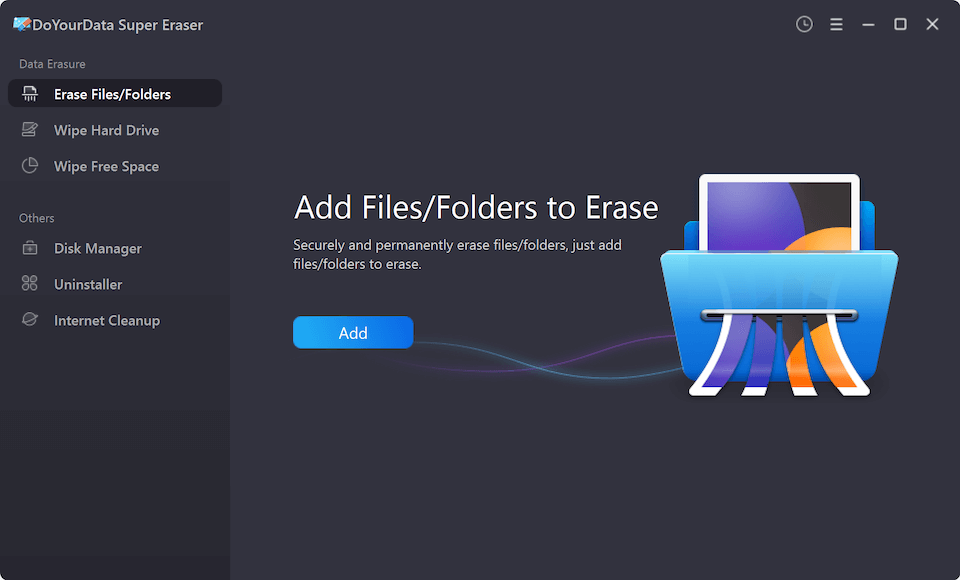
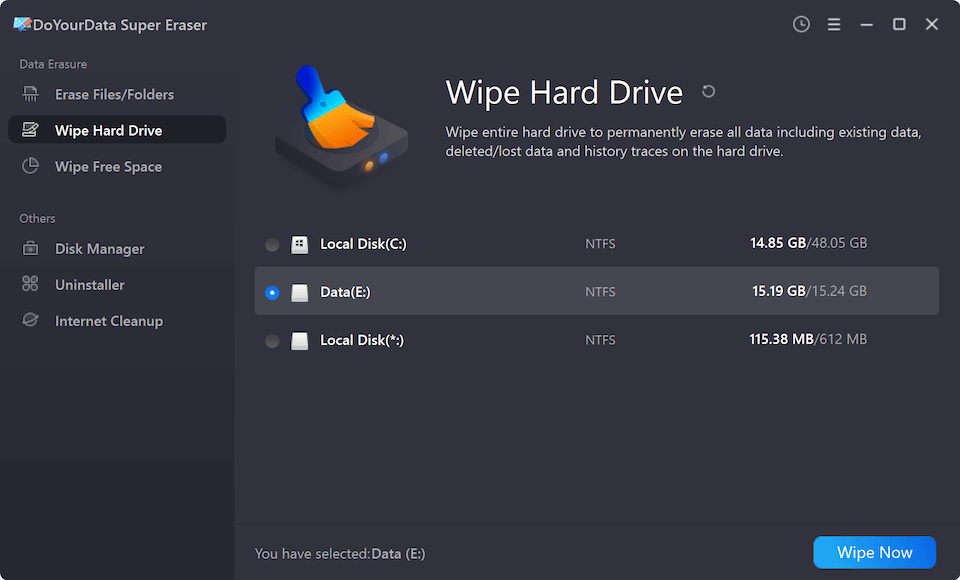
Mode 2: Wipe Entire Hard Drive / Partition
When selling, donating, or discarding an old computer, external hard drive, or USB flash drive, erasing individual files is not enough. This mode completely wipes the entire storage partition or external drive, destroying all existing files, hidden system caches, and traces of past activity in one smooth process.
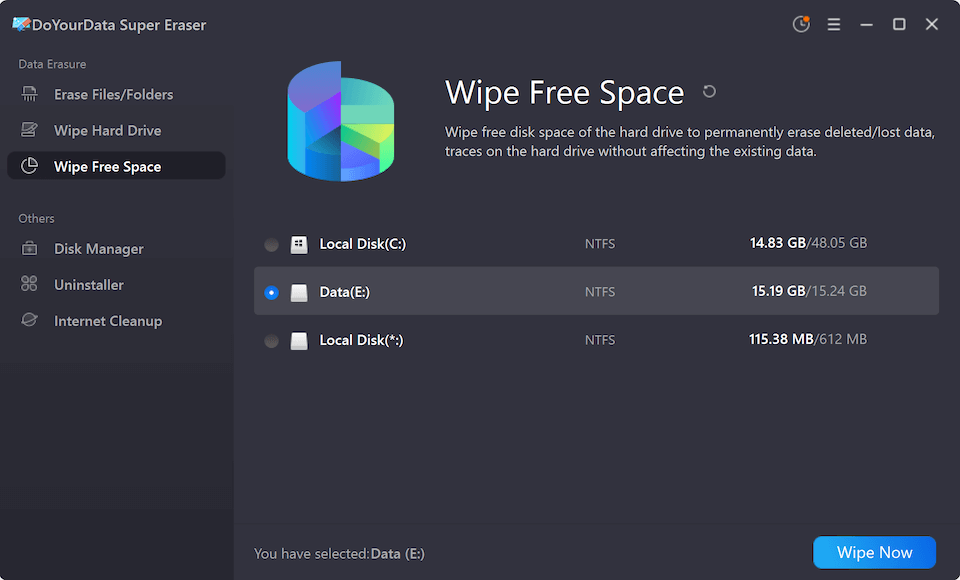
Mode 3: Wipe Free Disk Space
Have you already deleted files manually in the past using regular drag-and-drop or emptying the Recycle Bin? Those deleted files are still sitting in your drive's 'free space'. Wiping free disk space safely overwrites all unused sectors, destroying those previously deleted files permanently while keeping your current active files safe.
Step-by-Step Guide: How to Wipe Sensitive Data Permanently
Erasing your secret files with DoYourData Super Eraser takes only three simple steps. Here is how to get started:
| Step | Action & Details |
|---|---|
| Step 1 | Download DoYourData Super Eraser and install it on your PC or Mac. Select your preferred wiping mode from the main interface. |
| Step 2 | Choose the specific files, folders, drive partition, or free disk space you wish to permanently destroy. Then select a data erasure standard. |
| Step 3 | DoYourData Super Eraser will overwrite the selected target using advanced erasure algorithms, rendering data completely unrecoverable. |
When Should You Use DoYourData Super Eraser?
Data privacy is critical in many everyday situations. You should run DoYourData Super Eraser whenever you face these scenarios:
- Selling or Trading In Old Devices: Before passing your laptop or desktop to a new owner, perform a full drive wipe to protect your privacy.
- Returning Work/Rental Computers: Permanently erase sensitive work documents, browser histories, and personal files before handing back hardware.
- Sharing USB Drives & External Disks: Clean external storage drives thoroughly before lending them to friends or colleagues.
- Destroying Financial & Personal Records: Shred tax returns, bank statements, client files, or private photos once they are no longer needed.
FAQs about Using DoYourData Super Eraser
Conclusion:
Leaving deleted files unprotected on your storage drives is a major security risk. Whether you are upgrading to a new PC, disposing of an old hard drive, or cleaning up sensitive records, taking proactive steps is essential. Keep your secret safe! Use DoYourData Super Eraser wipe sensitive data quickly, easily, and permanently. Download DoYourData Super Eraser today and enjoy total peace of mind knowing your confidential information is 100% secure.

DoYourData Super Eraser
DoYourData Super Eraser, the award-winning data erasure software, offers certified data erasure standards including U.S. Army AR380-19, DoD 5220.22-M ECE to help you securely and permanently erase data from PC, Mac, HDD, SSD, USB drive, memory card or other device, make data be lost forever, unrecoverable!
Written & Updated by Shirly Chen
Shirly Chen has been writing data recovery, data erasure articles for DoYourData over 4 years. She has been working as a professional website content writer & editor for quite a long time. She also writes articles about disk clone, Mac optimization, disk backup, etc.