Why macOS 27 Golden Gate Does Not Support Intel-Based Macs?
 Ricky Lin updated on June 22, 2026
Quick Navigation:
- Why macOS 27 Golden Gate Does Not Support Intel-Based Macs?
- The Intel Macs Dropped by macOS 27 Golden Gate
- The Twilight Era for Intel-Based Applications
- What Should You Do If You Own an Intel Mac?
- Conclusion
- Frequently Asked Questions
Apple has officially lifted the curtain on its newest operating system at WWDC 2026: macOS 27 Golden Gate. While the update brings exciting features like next-generation local Siri AI and advanced system performance, it also marks a massive turning point for long-time Mac users. For the first time ever, Apple has drawn a hard line in the sand.
The big headline that has everyone talking is simple but impactful: macOS 27 Golden Gate does not support Intel-based Macs?. If you are still running a premium Intel-powered machine, this update means your hardware has officially reached the end of its major macOS lifecycle.
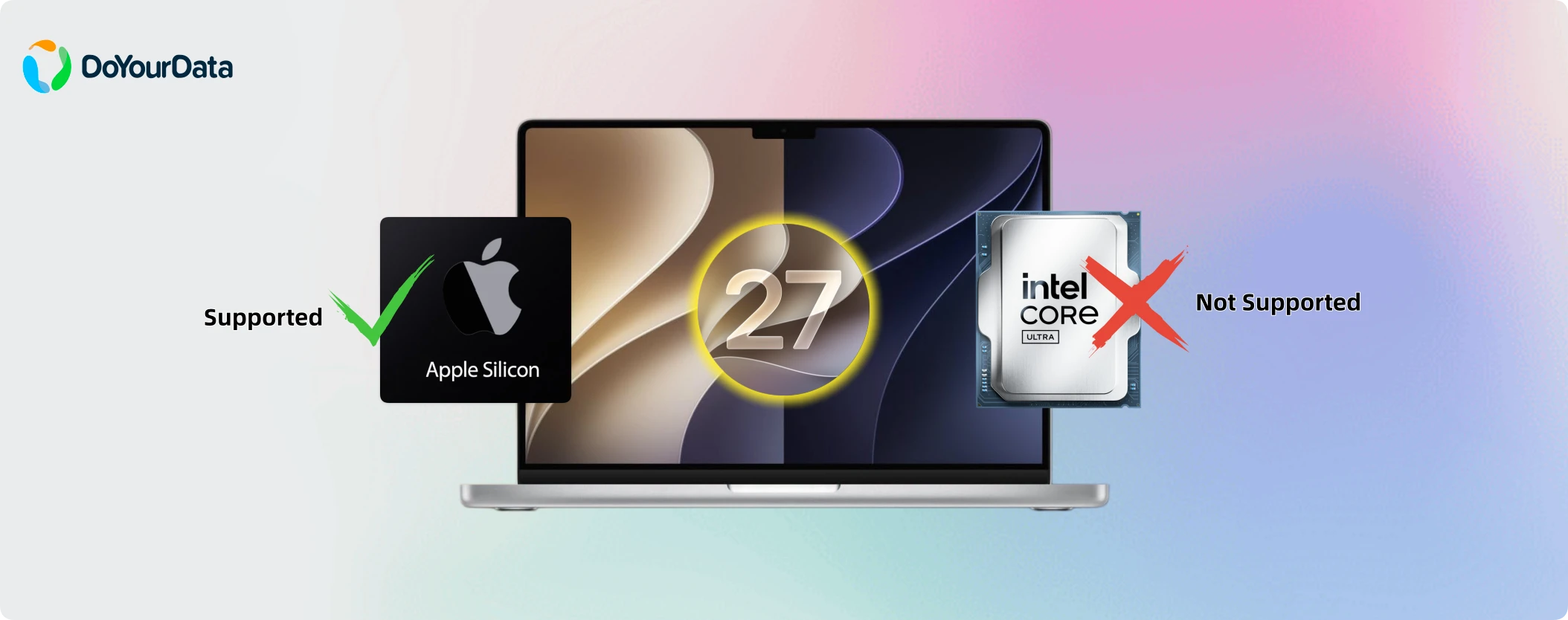
In this comprehensive guide, we will break down exactly why Apple decided to move on from Intel chips, which models are left behind, what this means for your daily apps, and how to safely prepare your files and data for the future.
Why macOS 27 Golden Gate Does Not Support Intel-Based Macs?
Many users are asking why a powerful Intel Mac Pro or a top-tier Core i9 MacBook Pro can't handle a simple software upgrade. The answer does not lie in raw speed, but in structural architecture. Apple is shifting its focus to fully integrated ecosystems.
Here are the primary reasons behind Apple's decision to make macOS 27 Golden Gate an Apple silicon-exclusive platform:
1. Heavy Integration of On-Device Siri AI and Apple Intelligence
macOS 27 relies heavily on local machine learning and complex artificial intelligence. These advanced features run natively on Apple's proprietary hardware, specifically the Neural Engine. Intel processors lack the specific built-in matrix math accelerators required to handle these on-device AI tasks smoothly without burning through battery power or lagging.
2. The Architecture Split Is Inefficient for Developers
Maintaining two completely different sets of operating system code—one for x86 Intel chips and one for ARM-based Apple silicon—takes an immense amount of engineering resources. By dropping Intel support, Apple can clean up its macOS source code, optimize performance, and shrink the operating system's overall footprint.
3. Power Efficiency and Custom Hardware Instructions
Apple silicon chips feature specialized instruction sets designed to work hand-in-hand with macOS. These allow for lightning-fast asset loading, instantly responsive wake times, and complex image processing. Forcing these modern features onto legacy Intel frameworks would result in a subpar, sluggish experience that doesn't meet Apple's performance standards.
The Intel Macs Dropped by macOS 27 Golden Gate
Apple previously announced that macOS 26 Tahoe would be the final resting place for Intel machines. True to its word, Golden Gate completely removes compatibility for the remaining premium Intel Macs that survived previous cuts.
If you own any of the following models, your Mac will not be eligible to upgrade to macOS 27:
- MacBook Pro (16-inch, 2019) – Featuring Intel Core i7 or i9 processors.
- MacBook Pro (13-inch, 2020) – The high-end configuration with four Thunderbolt 3 ports.
- iMac (27-inch, 2020) – The final generation of sleek Intel-based all-in-one desktops.
- Mac Pro (2019) – The highly modular, enterprise-grade tower powered by Intel Xeon W chips.
💡 Note: If your Intel-powered Mac is older than the ones listed above, it was already excluded from upgrades by previous macOS versions like Sonoma or Sequoia.
The Twilight Era for Intel-Based Applications
This architecture shift doesn't just affect Mac hardware; it also deeply impacts Mac software. Back in 2020, Apple introduced Rosetta 2, an invisible translation layer that allowed Apple silicon Macs to run old apps built for Intel chips.
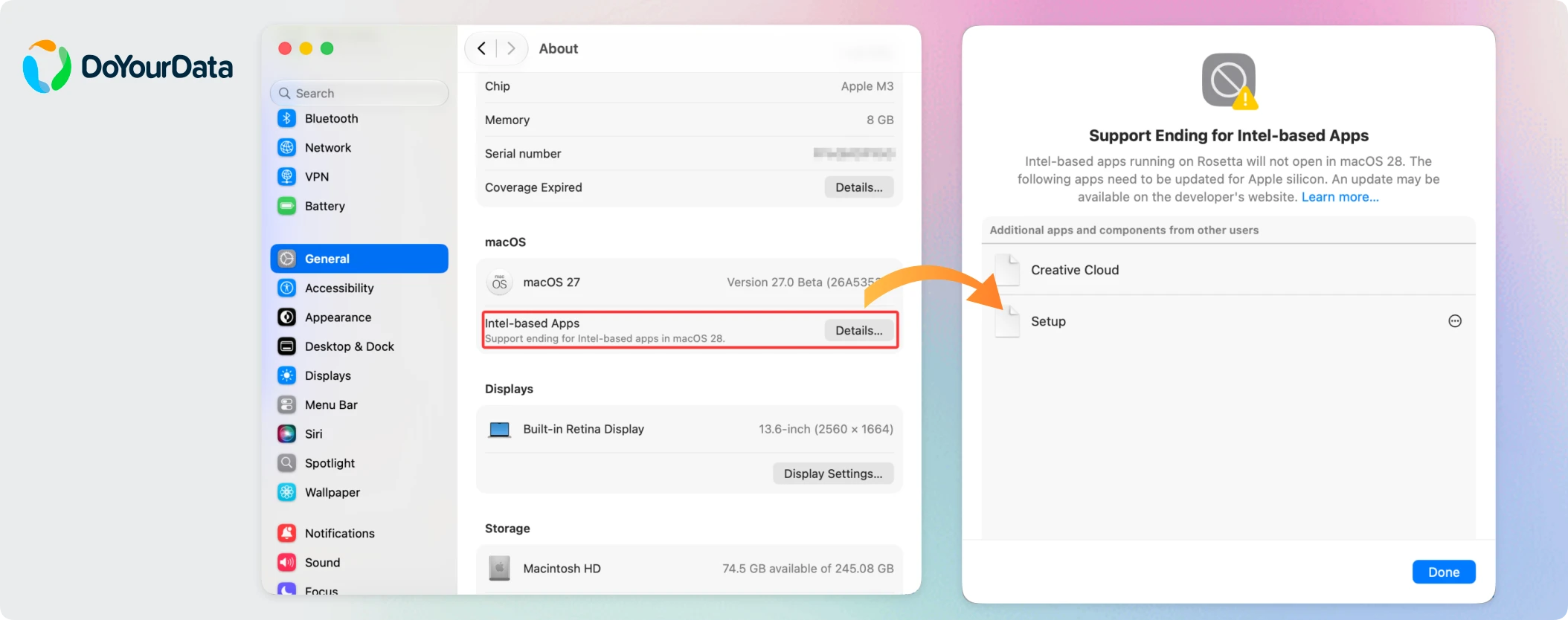
macOS 27 Golden Gate is officially confirmed to be the final version of macOS to include Rosetta 2 support. When macOS 28 arrives next year, Rosetta 2 will be removed completely. This means any legacy apps or plugins that haven't been updated by their developers to run natively on Apple silicon will completely stop working.
To prepare users for this software shift, macOS 27 Golden Gate includes enhanced warning notifications when launching older Intel apps, along with a helpful system list under System Settings > General > About > Intel-Based Apps to let you audit which software requires an upgrade.
What Should You Do If You Own an Intel Mac?
First, do not panic! The fact that macOS 27 Golden Gate does not support Intel-based Macs? does not mean your computer will suddenly stop turning on or become useless this autumn. You have clear paths forward.
Option 1: Continue Using macOS 26 Tahoe Safely
Apple has a strong track record of protecting legacy users. The company will continue to provide critical security updates and patches for macOS 26 Tahoe for approximately three years. Your computer will remain perfectly secure for standard daily workflows, web browsing, and office productivity.

Option 2: Plan Your Move to an Apple Silicon Mac
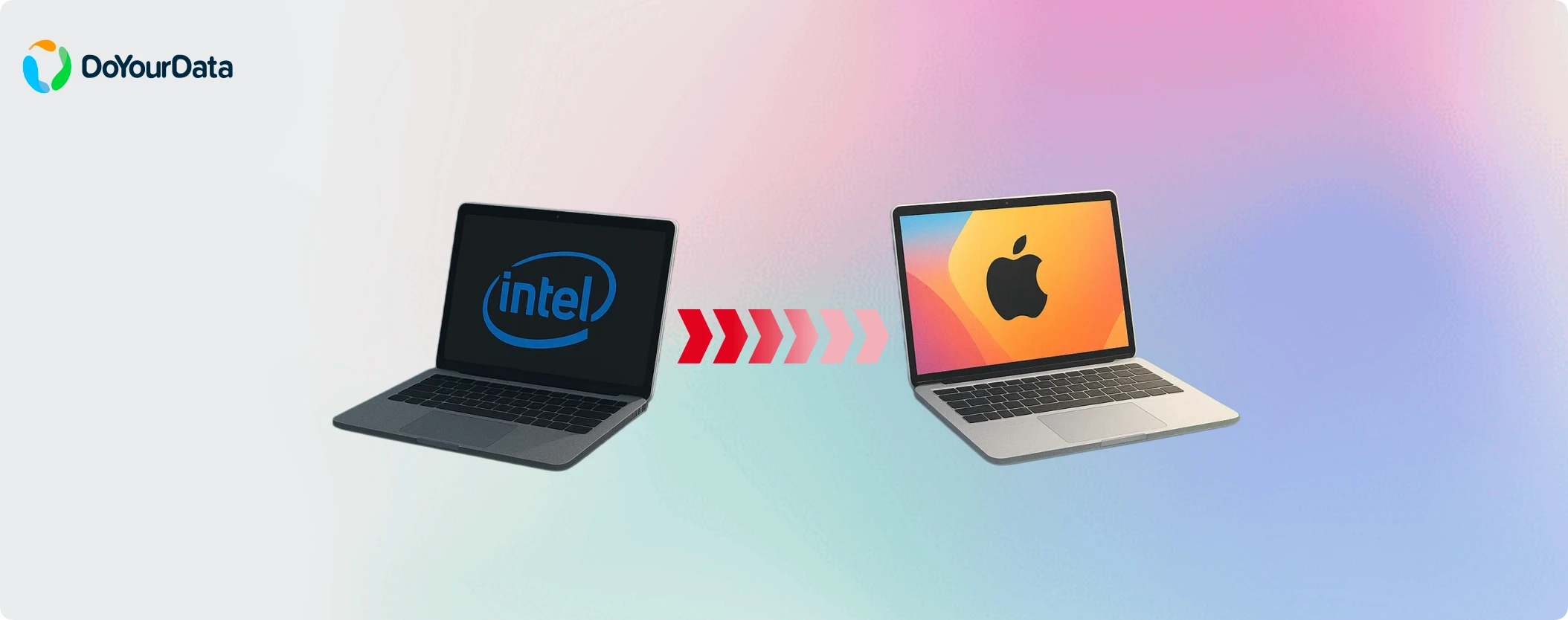
If your workflow demands the latest creative suites, developer environments, or you want to experience the brand-new Siri AI features, it is a great time to browse the Apple silicon lineup. Even an entry-level M-series Mac mini or MacBook Air will vastly outperform older Intel configurations while running silently.
Conclusion:
Whether you choose to stick with your trusted Intel Mac for a few more years or plan to upgrade to a brand-new M-series machine, protecting your local data is priority number one. Major system changes often bring risks of accidental data loss, corrupted drives, or software compatibility glitches.
Before changing anything on your system or transferring your life's work to a new Mac, always perform a comprehensive backup. For a truly worry-free transition, using professional utilities like DoYourClone for Mac from DoYourData can ensure that every single photo, client file, and system preference is perfectly preserved and recoverable if a migration goes wrong.
Furthermore, if you intend to sell, donate, or trade in your old Intel Mac to fund your next upgrade, remember that simple formatting isn't enough to permanently delete your private information. Utilizing a certified data erasure solution ensures your digital footprint is securely wiped beyond recovery, keeping your personal data completely safe.
Frequently Asked Questions
Written & Updated by Ricky Lin
Ricky Lin is an senior editor of DoYourData who lives in Adelaide, Australia. He is interested in writing technology articles related with data recovery, computer issue fixes, disk clone, iPhone data recovery, video edit, Mac optimization, etc. He Joined DoYourData in 2019 and have written 500+ articles to help both Windows users and Mac users to solve data or computer problems.