Quick Navigation:
- 1. Fixing the 'Liquid Glass' Design Flaws
- 2. Rebuilding Siri with Real AI Power
- 3. Speed Upgrades and Behind-the-Scenes Performance
- 4. Smarter Search Throughout the System
- 5. Stronger Safety and Parent Controls
- Important Note: The Hardware Cutoff and Rosetta 2 Phaseout
- The Final Verdict:
- FAQs about macOS 27 Golden Gate
Apple just gave us our very first look at its brand-new operating system at WWDC 2026. Named after the iconic California bridge, macOS 27 Golden Gate is officially on the horizon. For many Mac owners, the biggest question on their minds right now is simple: Will macOS 27 Golden Gate be better?
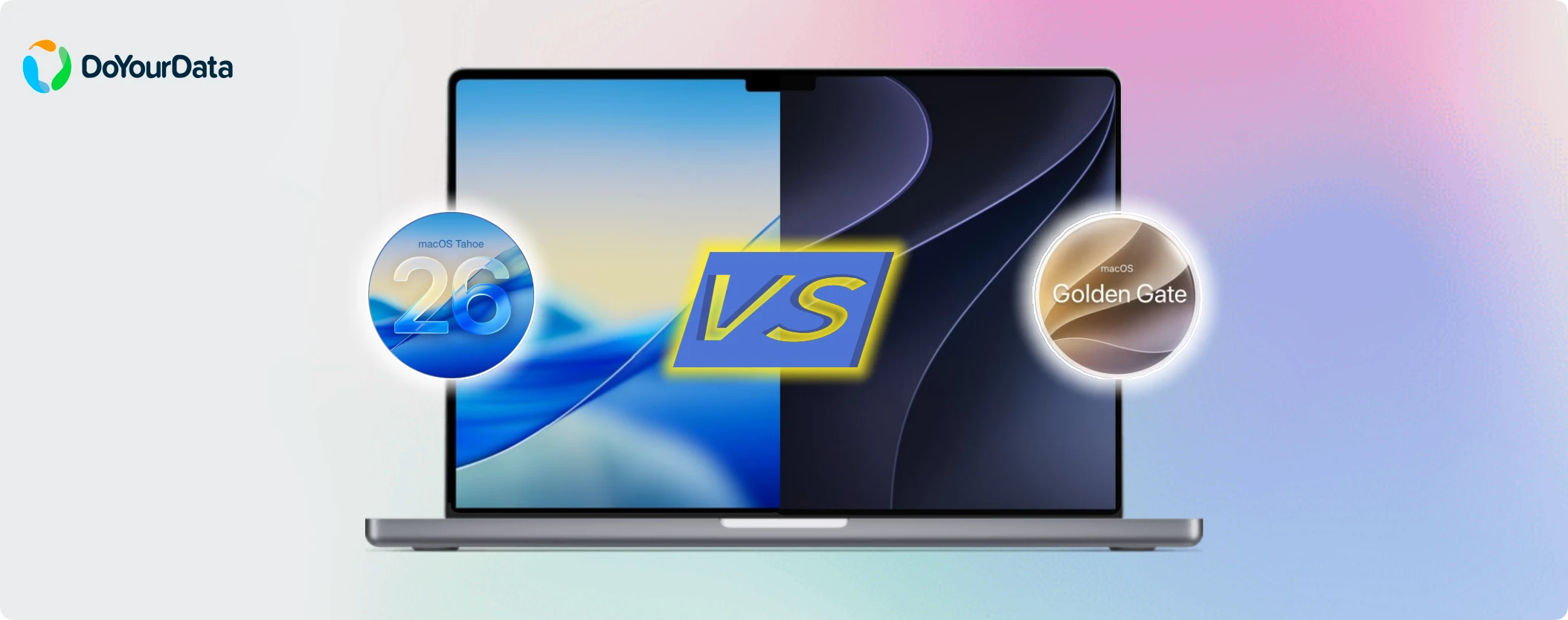
If you have been using macOS 26 Tahoe over the past year, you know it was a bit of a rollercoaster. Tahoe introduced a massive visual makeover with its translucent 'Liquid Glass' design language. While it looked futuristic, it also sparked a lot of debate. Many users complained about blurry text, confusing menus, and annoying layout choices. Some even decided to skip Tahoe entirely, choosing to stay on the older macOS Sequoia instead.
Fortunately, Apple has listened closely to user feedback. The early developer betas reveal that macOS 27 Golden Gate is less about radical, jarring changes and much more about refinement, stability, and much-needed optimization. Let's break down exactly what is changing and whether this upcoming update is worth your excitement.
1. Fixing the 'Liquid Glass' Design Flaws
The most immediate way macOS 27 Golden Gate aims to be better is by fixing the visual headaches introduced by its predecessor. Tahoe went all-in on translucent, glass-like elements. Unfortunately, this made the interface hard to read for many people, especially depending on their desktop wallpaper.
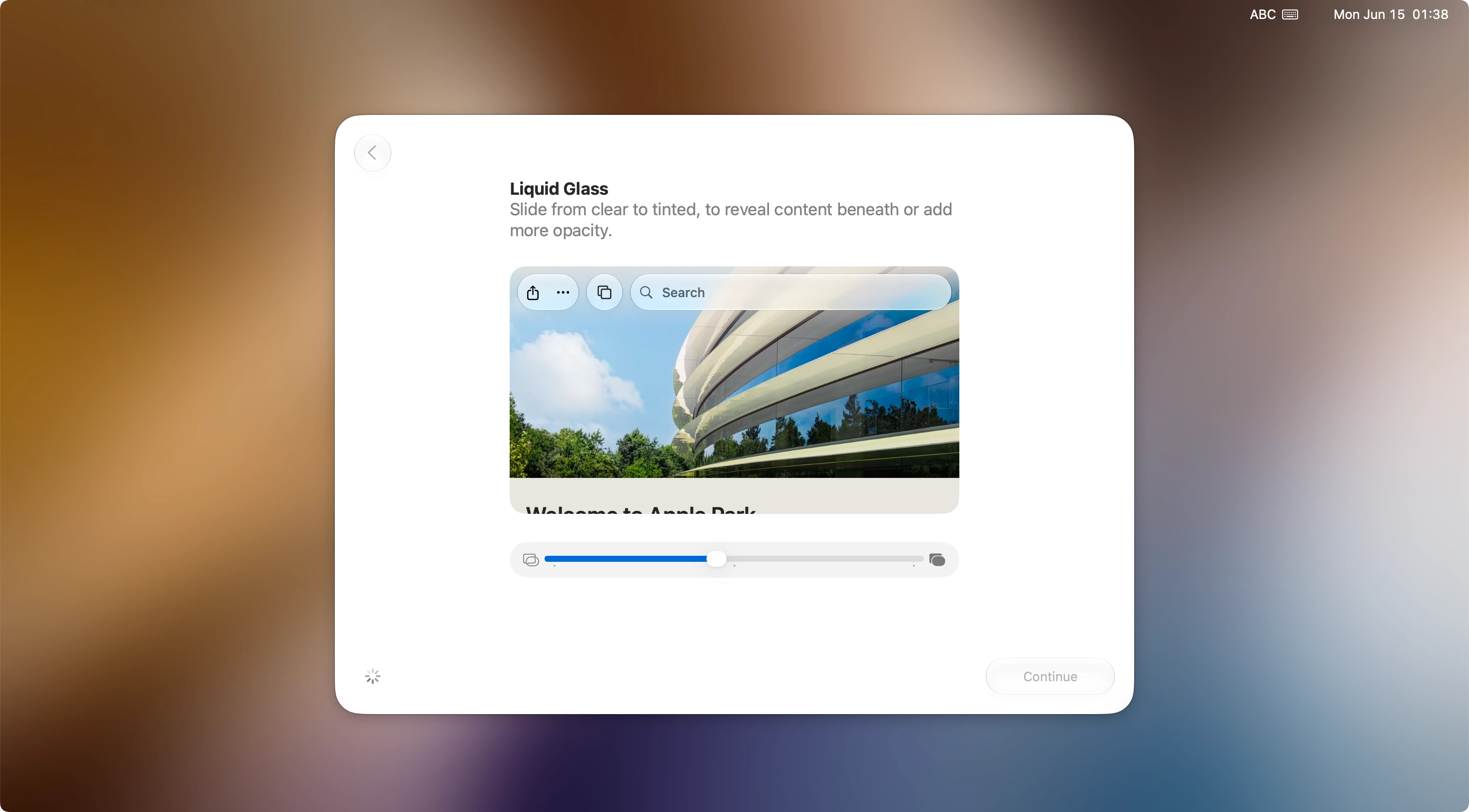
In Golden Gate, Apple is keeping the sleek modern aesthetic but giving the control back to the user. There is now a dedicated Liquid Glass slider right inside your System Settings. This brilliant little tool lets you dial in the exact amount of transparency you want—ranging from ultra-clear to fully tinted. It means you can easily find the perfect sweet spot for crisp readability.
But that is not all. Apple has also made several subtle layout changes that make a huge difference in daily use:
- Consistent Window Shapes: App windows now have uniform corner radii across the entire operating system. You no longer have to wait for third-party developers to update their apps to match the system look.
- Clean Sidebars: The awkward 'floating' sidebars from Tahoe are gone. Golden Gate brings back edge-to-edge column layouts that blend seamlessly into your windows while retaining their classic system colors.
- De-Cluttered Menus: Tahoe stuffed an icon next to almost every single menu option, creating serious visual noise. Golden Gate walks this back, using icons selectively so your drop-down options are clean and easy to scan.
- Sharper App Icons: Apple built system-wide High Dynamic Range (HDR) into the UI. Key built-in apps like Mail, Photos, and Maps now have distinct borders and extra outlines, making them look sharper and less blurry.
2. Rebuilding Siri with Real AI Power
If you have found Siri to be a bit underwhelming in the past, macOS 27 Golden Gate is set to completely change your perspective. Powered by the next generation of Apple Intelligence, the virtual assistant has evolved into a deeply integrated 'Siri AI'.
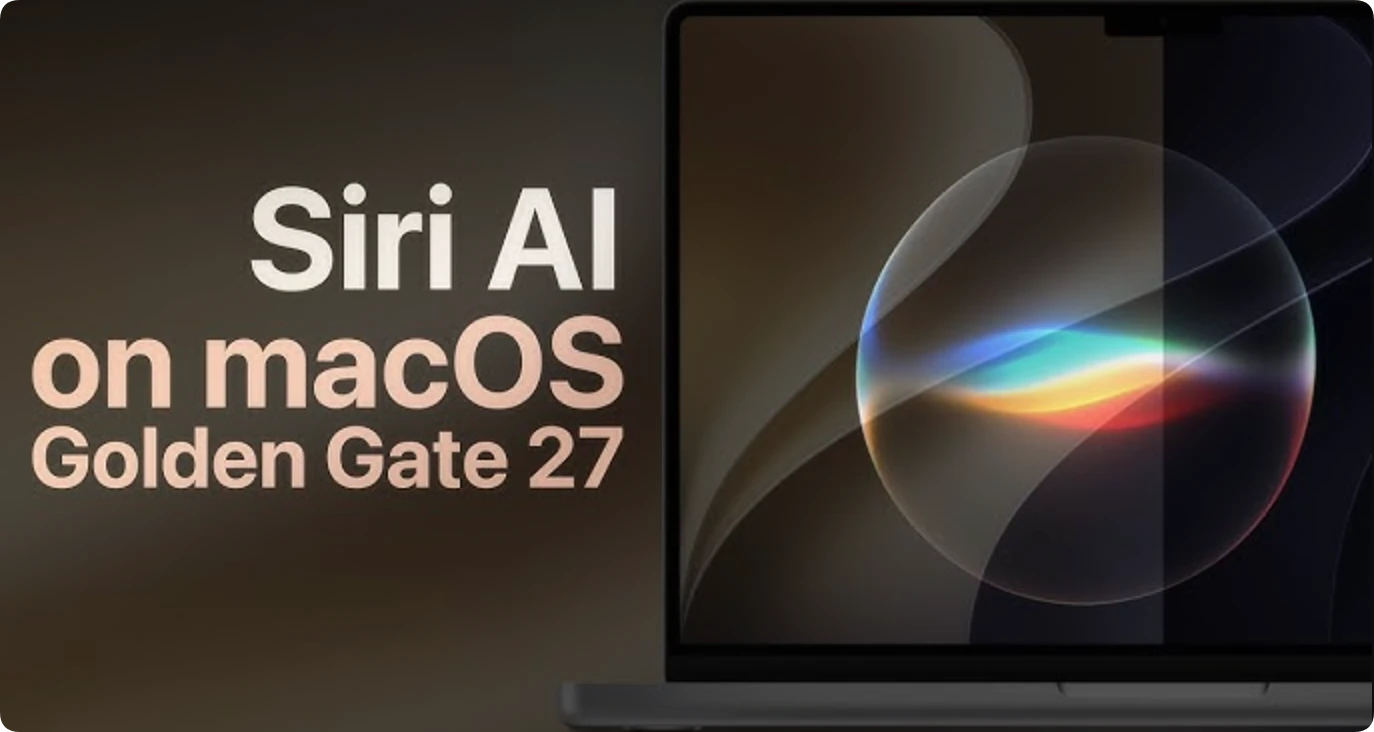
This isn't just a simple voice-command updater. The new Siri AI understands personal context. It can browse through your emails, messages, and photos to answer complex questions or execute multi-step tasks across different apps. Even better, it features advanced Visual Intelligence, meaning it knows exactly what is happening on your screen and can help you interact with it in real-time.
To make the tool even more functional, Apple is introducing a standalone Siri app. This app lets you maintain continuous, ongoing text or voice conversations with the AI. Your chat history even syncs effortlessly between your Mac, iPhone, and iPad. Finding files and getting things done is about to feel incredibly fast and seamless.
3. Speed Upgrades and Behind-the-Scenes Performance
A beautiful interface does not mean much if your computer feels sluggish. Thankfully, Apple has put a massive emphasis on core system speed for macOS 27. Early testing reports indicate that background operations are significantly quicker.
You can look forward to noticeably faster AirDrop transfers, which is perfect if you move large video files or photo libraries between your devices. Local network file browsing has also been optimized to remove those annoying loading delays. Additionally, Safari 27 feels exceptionally responsive, with lightning-fast start page loading and clever new AI extensions that help you summarize or monitor web pages automatically.
4. Smarter Search Throughout the System
One of the most universal complaints about recent macOS versions has been the hit-or-miss search quality. Golden Gate solves this by completely rebuilding the internal search engine from scratch.
Whether you are typing into Spotlight, browsing through your Apple Mail inbox, or searching for a specific moment in your Photos library, the system is much smarter. Mail now uses an advanced ranking system to float the most contextually relevant results straight to the top. Spotlight is also fully integrated with Siri AI, meaning you can type natural, conversational queries instead of remembering exact file names.
5. Stronger Safety and Parent Controls
With the introduction of affordable entry-level hardware like the MacBook Neo, more families and younger students are using Macs than ever before. To help protect them, macOS 27 Golden Gate introduces robust, highly requested family safety tools.
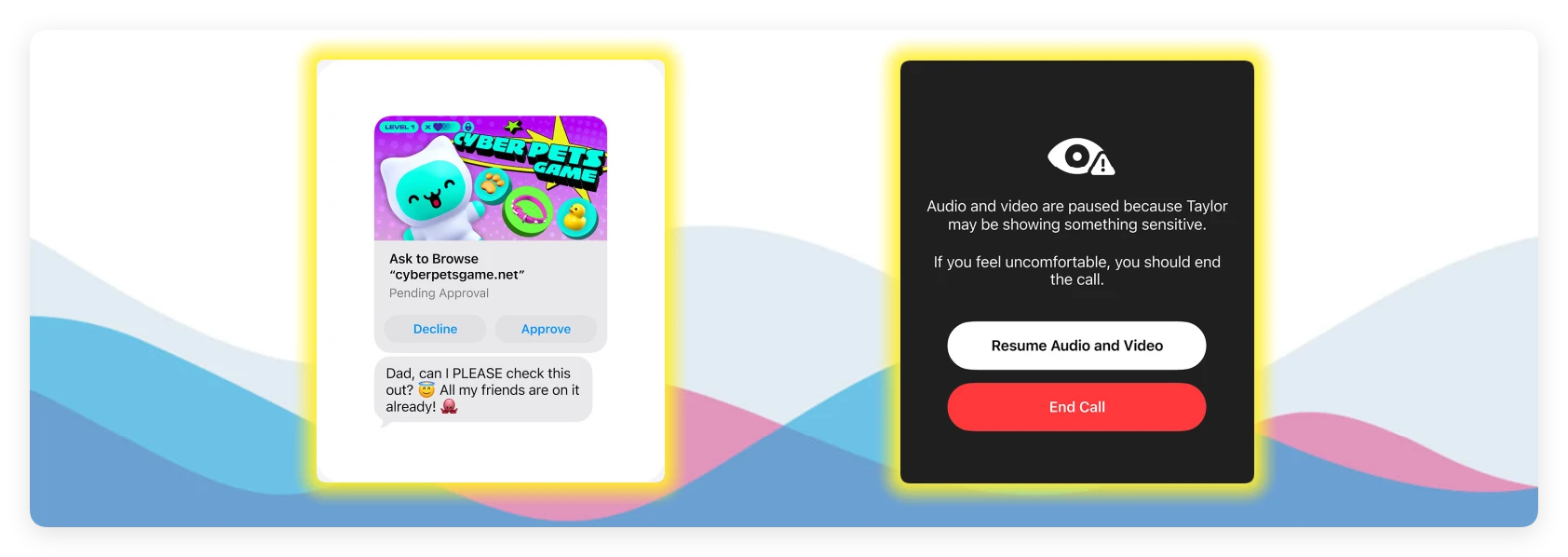
A new 'Ask to Browse' feature automatically sends a notification to a parent's device whenever a child tries to open an unfamiliar website, letting adults approve or deny access instantly. Communication Safety has also expanded significantly, blocking violent images and videos across Messages, FaceTime, and third-party apps. Parents can also set comprehensive Screen Time Schedules, making it easy to manage limits on games or social media categories.
Important Note: The Hardware Cutoff and Rosetta 2 Phaseout
While macOS 27 Golden Gate brings an incredible list of upgrades, there is a catch you need to keep in mind. This update officially leaves all Intel-based Mac models behind. Golden Gate exclusively supports Macs powered by Apple Silicon chips (M1, M2, M3, M4, and newer M-series variants), including the A18 Pro chip found inside the MacBook Neo.
Furthermore, Apple has confirmed that Golden Gate will be the absolute final version of macOS to include Rosetta 2. Rosetta 2 is the underlying software that lets modern Macs run older apps originally built for Intel chips.

If you rely on very old, un-updated software for your daily workflow, now is the perfect time to look for modern alternatives or optimization solutions to ensure your data stays safe and accessible before the next major OS transition.
Data Optimization Tip: Major operating system upgrades can occasionally cause unexpected software hiccups or file glitches. Before installing the upcoming macOS 27 Golden Gate public beta or official release, it is highly recommended to perform a full system backup and clean out clutter to keep your data perfectly secure.
The Final Verdict:
So, will macOS 27 Golden Gate be better? The short answer is a resounding yes. While macOS 26 Tahoe pushed boundaries with a wild new design, it left many users feeling frustrated by bugs and a confusing layout.
Golden Gate feels like a breath of fresh air because it listens to the community. It polishes the rough edges of Liquid Glass, supercharges the system with functional Siri AI, fixes broken search functionality, and noticeably boosts overall performance. It takes the very best design ideas of the future and blends them with the legendary stability and ease of use that Mac loyalists have loved for years.
The developer beta is available right now, with a public beta arriving in July and the official free rollout scheduled for late autumn. If you own an M-series Mac, this is an upgrade you will definitely want to look forward to!
FAQs about macOS 27 Golden Gate
MacClean360
All-in-one Mac maintenance tool to clean up all types of junk data by 1 click, remove old/duplicate files, uninstall unwanted apps, clean up browser junk data, manage disk, permanently shred files, speed up slow Mac, manage startup items on Mac.

Written & Updated by Ricky Lin
Ricky Lin is an senior editor of DoYourData who lives in Adelaide, Australia. He is interested in writing technology articles related with data recovery, computer issue fixes, disk clone, iPhone data recovery, video edit, Mac optimization, etc. He Joined DoYourData in 2019 and have written 500+ articles to help both Windows users and Mac users to solve data or computer problems.