Free Download SSD Data Recovery Freeware
Free download SSD data recovery tool to easily restore lost data from SSD. (Win & Mac)
How to securely wipe data from SSD without affecting the lifetime span? A professional data erasure tool is essential. DoYourData Super Eraser is a safe software that can wipe data permanently from SSD and ensure the drive is healthy.
 Updated by Shirly Chen on June 5, 2026
Quick Navigation:
Are you planning to upgrade your computer, sell your old solid-state drive (SSD), or donate it to a friend? If so, you are probably asking yourself a crucial security question: Can I use DoYourData Super Eraser to wipe SSD?
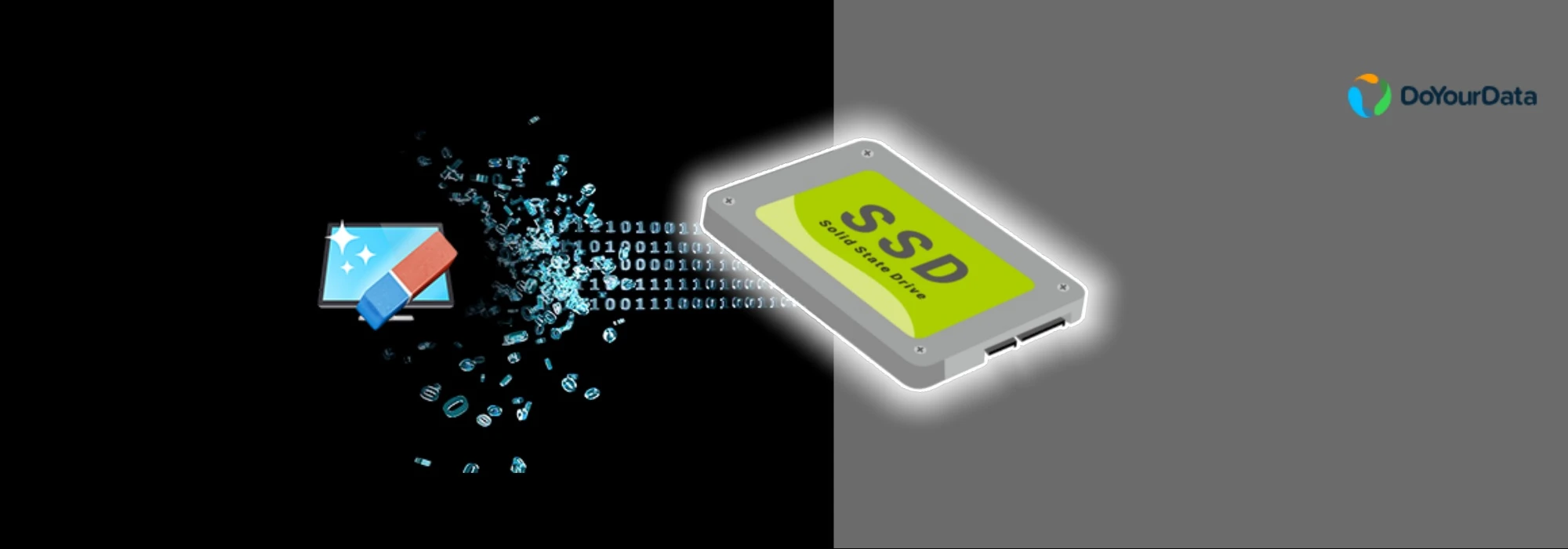
The short answer is a resounding yes! Not only can you use it, but it is also one of the safest and most reliable tools available to get the job done right. When handling an SSD, you cannot simply rely on traditional formatting tools or drag files to the Recycle Bin. Doing that leaves your personal information highly vulnerable to data recovery tools.
However, many home users worry that running data wiping software might hurt their drive. In this guide, we will break down exactly how DoYourData Super Eraser completely destroys data from an SSD while keeping the hardware completely safe and healthy.
When you hit 'Delete' on your keyboard or perform a quick format in Windows or macOS, your computer doesn't actually erase the data blocks. Instead, it just hides the files and marks that specific space as 'ready to be rewritten'.
Because of how flash-memory storage works, your old photos, tax documents, web passwords, and work files remain buried inside the drive chips. Anyone with a basic, free recovery program downloaded off the internet can retrieve those files in just a couple of clicks. If your drive falls into the wrong hands, your identity could easily be stolen.
Free Download SSD Data Recovery Freeware
Free download SSD data recovery tool to easily restore lost data from SSD. (Win & Mac)
To prevent this nightmare scenario, you need certified data erasure software that overwrites the drive completely, ensuring your information vanishes forever.
If you have spent any time browsing tech forums, you have likely run into warnings about SSD write limits. Unlike old mechanical hard disk drives (HDDs), SSDs use flash memory cells that can only handle a limited number of write cycles before they start slowing down or wearing out.
This makes many home users ask: Will data erasure software shorten my SSD's service life?
The Great News: DoYourData Super Eraser is engineered with specialized technology designed to protect modern solid-state media. It bypasses unnecessary, aggressive write routines to securely clear out your files while fully preserving your SSD’s health, performance, and overall lifespan.
Traditional, outdated erasure programs use blunt force to write random junk across your entire drive over and over again. DoYourData Super Eraser is much smarter. It works alongside your drive's internal systems to overwrite data cleanly, efficiently, and with zero physical damage. It provides total peace of mind without taking months off your hardware's lifespan.
Once DoYourData Super Eraser executes these algorithms, the digital traces are permanently gone. Even advanced laboratory forensics cannot put the pieces back together.
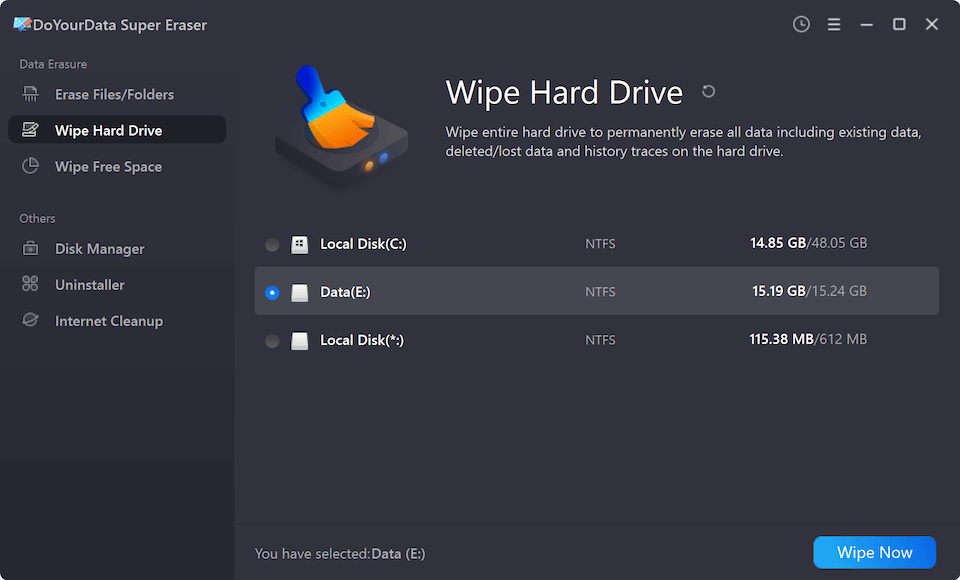
Not every job requires erasing the entire computer. DoYourData Super Eraser features an intuitive, user-friendly dashboard with three distinct modes tailored to your specific needs:
Do you just want to shred a few specific folders filled with financial statements or personal photos? This mode lets you cherry-pick files. It surgically targets and destroys selected items while leaving the rest of your SSD completely untouched. This is ideal for quick, day-to-day privacy upkeep.
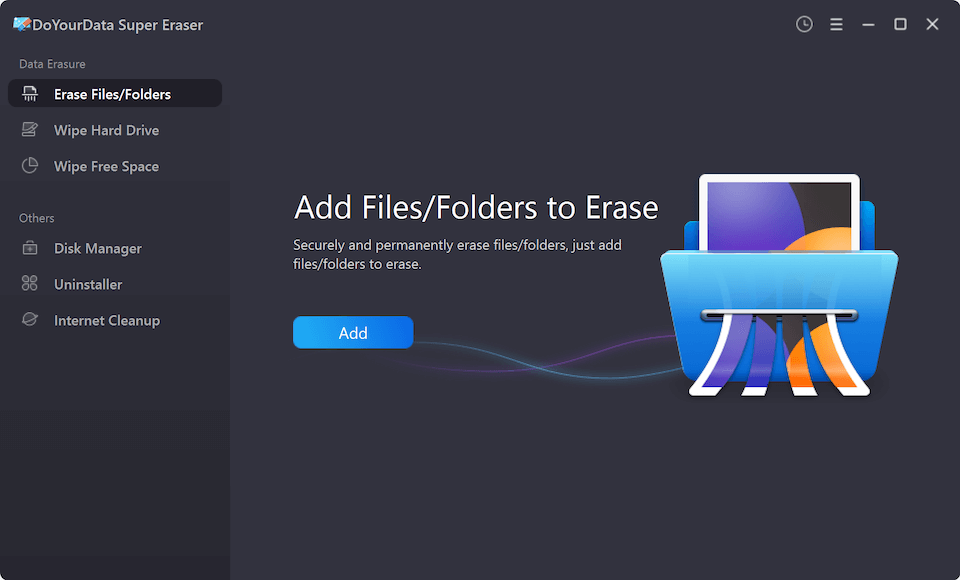
Are you getting rid of an old laptop or selling a standalone external SSD? This mode wipes the entire storage drive completely clean. It strips away the operating system, applications, configurations, and every piece of data. Your SSD is restored to a blank, factory-fresh state, making it completely safe to hand over to a stranger.
Think about the files you deleted weeks ago using normal Windows or Mac commands. They are still floating around in the hidden 'free space' of your SSD. This highly clever mode targets only that unused storage area, wiping out the residual ghosts of previously deleted files. It secures your privacy without touching your active, everyday files.
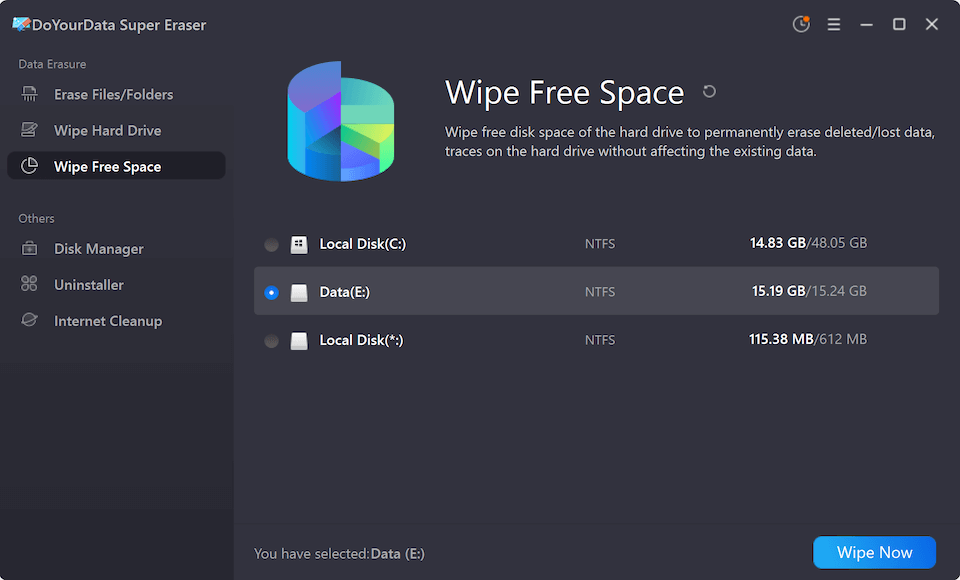
Wiping your drive doesn't require an engineering degree. The interface is clean, straightforward, and built for regular home users. Here is how you can do it in minutes:
Step 1: Save a Backup first.
Before you start, double-check that you have saved any files you want to keep onto an external drive or cloud storage. Once the process begins, recovery is impossible.
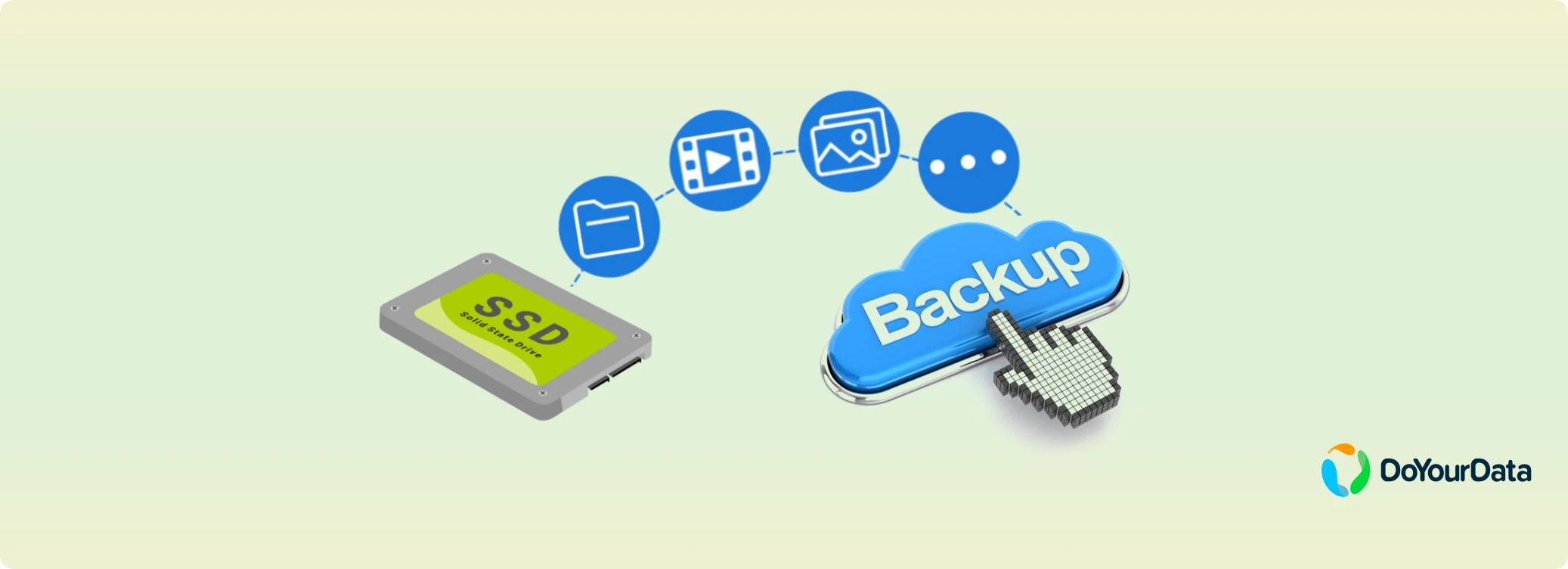
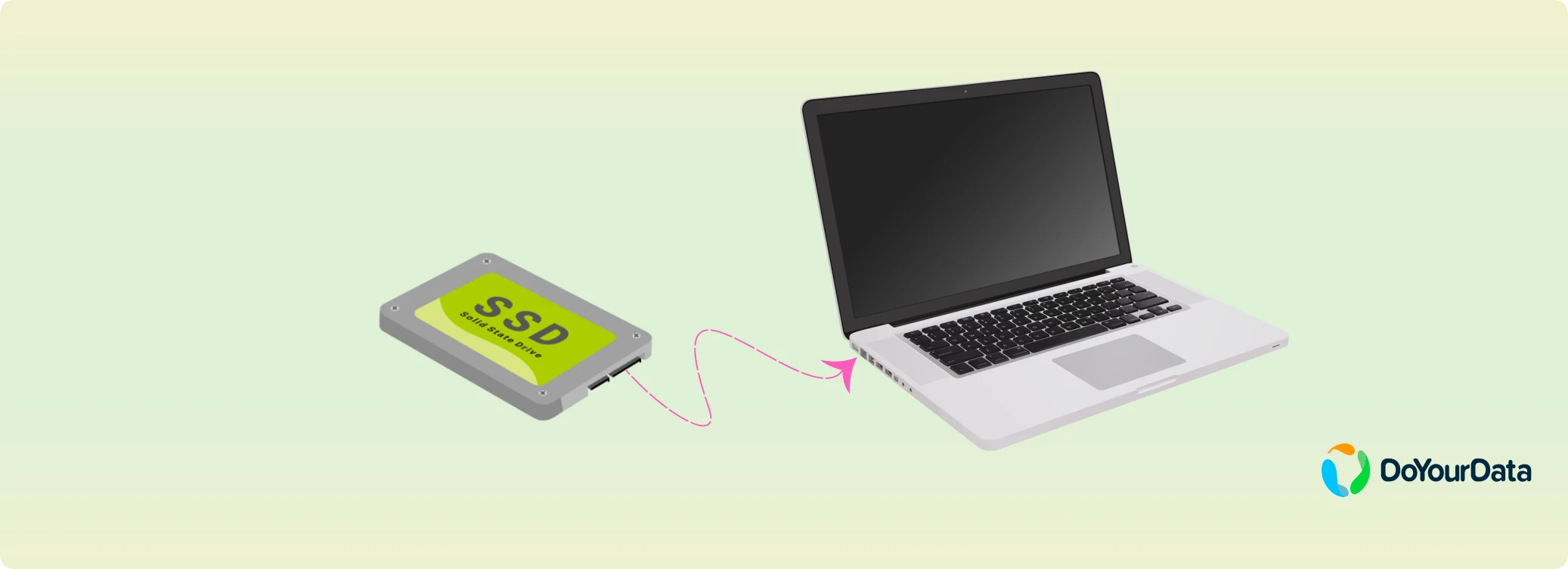
Step 2: Connect and Open the Software.
Plug your SSD into your computer and launch DoYourData Super Eraser on your Windows PC or Mac.
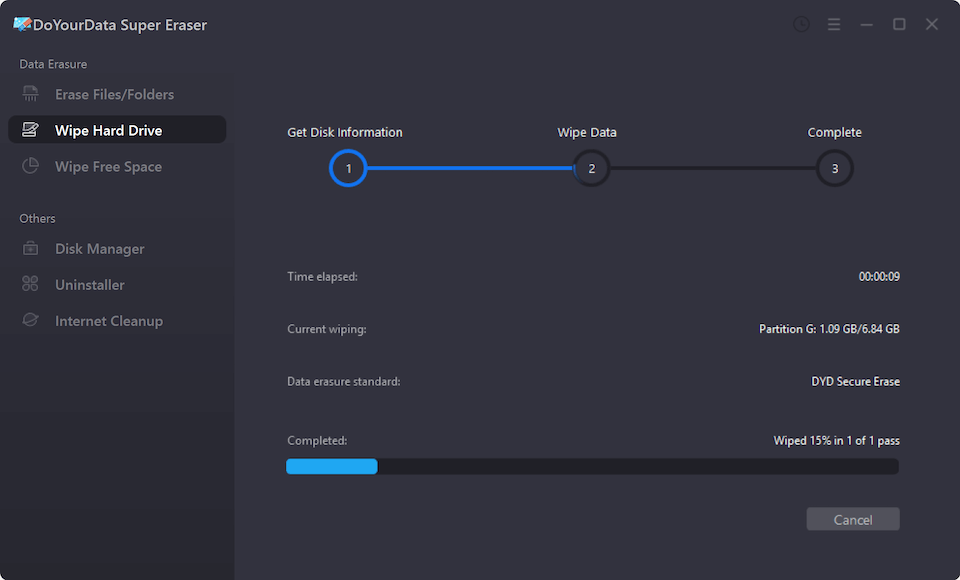
Step 3: Select Wiping Mode and SSD.
Select Wipe Hard Drive'from the left-hand menu if you are preparing the drive for sale or disposal. Look at the list of connected storage drives, select your target SSD carefully, and click the Wipe Now button.
Step 4: Pick the Data Wiping Algorithm.
Choose your preferred erasure algorithm. Then click the Continue button to start the wiping process.

Step 5: Let the Software Work.
Keep your computer plugged into a stable power source while the software cleans the drive. When it finishes, you will see a success message indicating your SSD is completely secure.
To ensure your storage drive stays fast and secure over its lifetime, keep these simple best practices in mind:
If you have been wondering, 'Can I use DoYourData Super Eraser to wipe SSD?', you can move forward with absolute confidence. It is a highly optimized, fully certified data erasure program that treats your hardware with the utmost care.
It easily completely removes data traces, blocks advanced data recovery tools, and preserves your drive's lifespan. By choosing the right tool, you get to protect your personal identity and maintain your valuable hardware health all at once.
DoYourData Super Eraser
DoYourData Super Eraser, the award-winning data erasure software, offers certified data erasure standards including U.S. Army AR380-19, DoD 5220.22-M ECE to help you securely and permanently erase data from PC, Mac, HDD, SSD, USB drive, memory card or other device, make data be lost forever, unrecoverable!
Written & Updated by Shirly Chen
Shirly Chen has been writing data recovery, data erasure articles for DoYourData over 4 years. She has been working as a professional website content writer & editor for quite a long time. She also writes articles about disk clone, Mac optimization, disk backup, etc.